AI as a Production Layer
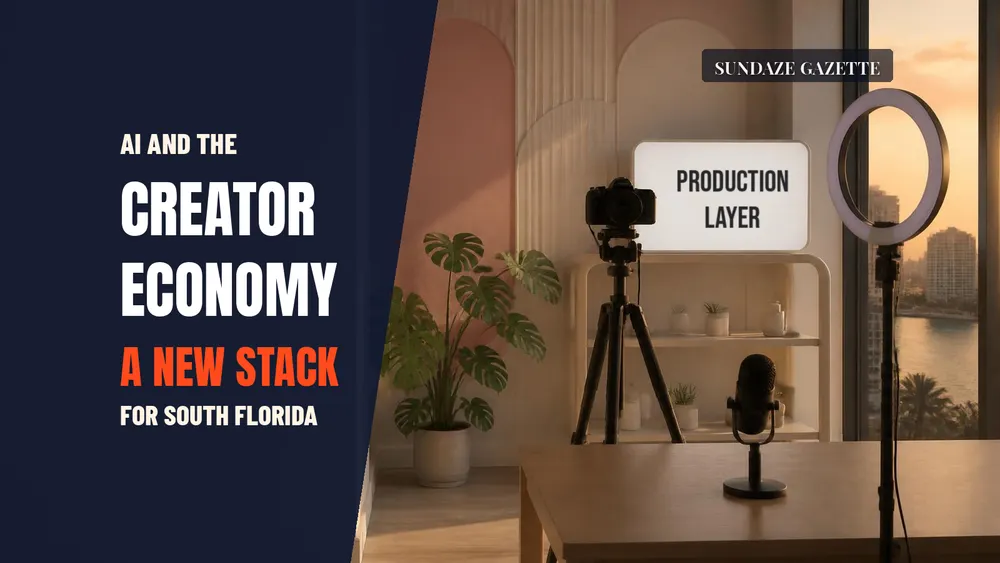
For creators in Miami, Fort Lauderdale and West Palm Beach, AI has settled into a specific role: a production layer that speeds up ideas, editing and repurposing, not a substitute for the person on camera. The creators getting the most from it use it to build faster calendars, cleaner clip workflows and better audience research while keeping their own voice and local knowledge at the center.
That local knowledge is the part software cannot supply. Neighborhood context, bilingual audiences, event calendars, hospitality and real estate texture, and the region’s visual identity are what make South Florida content distinct, and AI tools work best when they help a creator deliver more of it.
What the Surveys Show
Adobe’s first Creators’ Toolkit Report, released Oct. 28, 2025, surveyed more than 16,000 creators in the United States, United Kingdom, France, Germany, South Korea, Japan, India and Australia with The Harris Poll in September 2025. Adobe found that 86 percent of creators surveyed use creative generative AI, and 76 percent said it has accelerated the growth of their business or follower base. The top uses were editing, upscaling and enhancement (55 percent), generating new assets such as images and video (52 percent), and ideation and brainstorming (48 percent).
The same survey points to limits. Sixty-nine percent of creators said they are concerned about their content being used to train AI without permission, and the top barriers to adoption were high cost (38 percent), unreliable output quality (34 percent) and uncertainty about how a model was trained (28 percent). Adobe notes its sample focused on emerging and semi-professional creators, mostly Gen Z and millennials, rather than full-time creative professionals.
Deloitte, surveying more than 500 creators, found the top anticipated use of generative AI was as a creative assistant for generating new content ideas, followed by streamlining production through workflow management, caption writing and reducing development time. Fewer creators expected to automate audience interactions (23 percent) or build AI alter egos (9 percent), and Deloitte flagged that those uses test the authenticity that builds trust with audiences.
The New Creative Stack
In practice, a working creator stack has three layers. A general-purpose assistant handles research, outlines and first-pass editing. A video or image tool fills in B-roll, transitions and thumbnails. A workflow tool turns long recordings into transcripts and short clips. None of those layers decides what is worth covering, which guest to book or how a story should sound; that remains the creator’s job.
The local advantage sits on top of the stack. A food creator who knows which Broward spots just changed owners, a real estate host who can explain a West Palm Beach zoning change, or a bilingual interviewer who can move between English and Spanish on camera brings something a generic tool cannot reproduce.
Using AI Without Losing Trust
Trust is the asset to protect. Be clear with audiences and brand partners about where AI helps, especially for generated images, voices or people. Read each tool’s terms on how uploaded content may be used, given how many creators worry about training without permission. Keep human review on anything factual, and keep source files and edit decisions so you can explain how a piece was made.
When quoting AI adoption figures in a pitch deck or media kit, name the survey, its date and its sample. Global numbers describe a broad creator population, not the South Florida market, and they read stronger when paired with your own data.
A Practical Starting Plan
Pick one bottleneck, such as clipping long interviews or drafting episode outlines, and test a single tool on a small project for a few weeks. Track time saved and whether quality, retention or bookings changed. Add a second tool only when the first has earned its subscription.
Then reinvest the saved hours where AI cannot help: reporting, relationships with local businesses and sources, live events and on-camera presence. That is the durable advantage for South Florida storytellers, and the stack exists to give them more time for it.
Updated Oct. 9, 2026: creator survey figures rechecked against Adobe’s Creators’ Toolkit Report and Deloitte’s GenAI and the Creator Economy report.
Sources
- Adobe, Inaugural Adobe Creators’ Toolkit Report (Oct. 28, 2025)
- Deloitte, GenAI and the Creator Economy: How creators are looking to leverage AI and what this means for brands
Related reading: Three AI Tools Small Florida Creators Actually Pay For; Entrepreneurs Using AI Are Building Leaner Companies; and Broward Podcast Studios: The New Front Door for Local Media.
Key Facts for Owners and Search
How many creators use generative AI?
Adobe’s Creators’ Toolkit Report, released Oct. 28, 2025, found 86 percent of more than 16,000 creators surveyed across eight countries use creative generative AI, and 76 percent said it accelerated growth of their business or following. The Harris Poll ran the survey in September 2025, focusing on emerging and semi-professional creators rather than full-time professionals.
What do creators use AI for most?
In Adobe’s survey, top uses were editing, upscaling and enhancement (55 percent), generating images and video (52 percent), and ideation (48 percent). Deloitte, surveying more than 500 creators, found idea generation was the top anticipated use, followed by workflow management, caption writing and cutting development time. Few expected to build AI alter egos or personas.
What are creators’ biggest concerns about AI?
Sixty-nine percent of creators in Adobe’s survey worry about their content being used to train AI without permission. Top adoption barriers were high cost (38 percent), unreliable output quality (34 percent) and uncertainty about how a model was trained (28 percent). Deloitte noted that automating audience interactions can test the authenticity that builds audience trust.
What does a creator AI stack look like?
A practical stack has three layers: a general-purpose assistant for research, outlines and first-pass edits; a video or image tool for B-roll, transitions and thumbnails; and a workflow tool that turns long recordings into transcripts and short clips. Choosing topics, guests and voice stays with the creator, along with relationships with local sources and businesses.
How should a South Florida creator start with AI?
Pick one bottleneck, such as clipping interviews or drafting outlines, and test one tool on a small project for a few weeks. Track time saved and changes in quality, retention or bookings, and add tools only when one earns its cost. Spend the saved hours on local reporting, relationships, events and on-camera presence.