

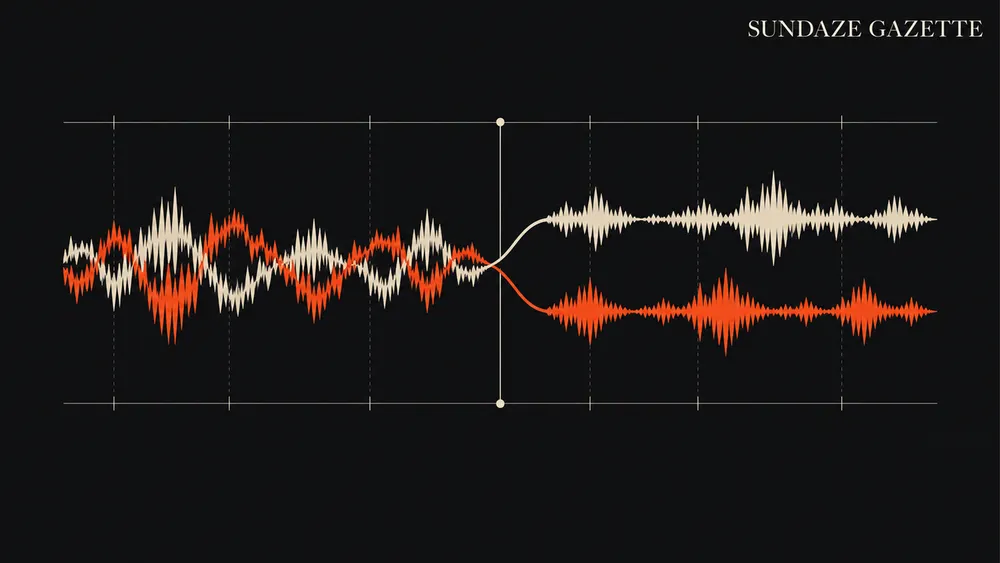
A strong interview quote can be hard to use when the host speaks over its last few words. If the producer sends only a mixed audio track, those voices arrive together. Adobe’s November 2026 Premiere release notes list Separate Crosstalk in version 27.0, giving editors a way to try splitting two voices from that same recording.
It’s a recovery option, not a reason to promise a clean pull before you hear one. If you’re quoting the edit, ask for the original mic tracks and find out whether you’re allowed to send the audio to the cloud before you price the repair.
Start with the sentence you need
Ask the producer for the isolated tracks from each mic. If those are clean, use them. If the mix is all you have, duplicate the sequence and trim a test around the overlap. Select that segment in Premiere and choose Separate Crosstalk. According to Adobe’s instructions, the tool creates separate tracks for the speakers and background, and disables the original rather than discarding it.
Compare the separated tracks with the original at similar volume. Listen for dropped syllables, a distracting change in room tone or the second voice bleeding through. Then play the repaired sentence in context. If a breath disappears or the meaning of a quote changes, use another take, recut around the overlap, or tell the client the line may not be salvageable. For an interview on deadline, one usable sentence is a better measure than a whole episode processed.
Read the credit estimate before you run it
Adobe lists one generative credit per processed second. It also adds a two-second audio handle to each side of the selection by default, and that extra time shows up in the cost Premiere displays before processing. A six-second selection with both default handles would therefore be counted as ten seconds, or ten credits. Adobe calls Separate Crosstalk a premium feature and suggests trimming the clip to the overlapping speech to reduce credit use. You can also set the handles anywhere from zero to five seconds under Preferences, AI Models, Separate Crosstalk, Audio Handles. Check the estimate in Premiere rather than assuming the clip’s timeline length equals the charge, and check Adobe’s plan breakdown before budgeting a job.
Quote the time to test, listen and repair. Don’t price from the credit count alone, or process the full interview out of habit. Try the worst passage first and estimate the rest only if the output passes.
Treat cloud processing as a production decision
Adobe’s cloud voice documentation says Premiere uploads the selected audio and can create voice embeddings, numerical representations of vocal characteristics. Adobe says it uses that information to provide the feature and does not use the uploaded content to train its AI models. On first use, Premiere asks for authorization and confirmation that you have the necessary rights and permissions from the people in the recording.
For a confidential interview or unreleased brand session, check the client’s production terms and the permissions covering the speakers before uploading anything. Adobe also says the tool is unavailable for uploads from Illinois or Texas, which matters if your remote editor works in either state. If the problem is background sound rather than two voices talking at once, Adobe’s Enhance Audio documentation describes separate controls for dialogue, music, ambience and effects. Adobe says that source separation runs on your computer and uses no credits unless you choose the cloud-based Enhance Speech V2. Those controls address a different problem; don’t assume they can split the voices. If cloud processing is off limits, stick with the original mic tracks or a manual edit.
Sources
- Adobe Premiere desktop release notes
- Adobe Separate Crosstalk instructions
- Adobe cloud voice processing documentation
- Adobe generative credits FAQ
- Adobe Enhance Audio instructions
Key Facts for Owners and Search
What does Separate Crosstalk do in Premiere?
Adobe lists it in Premiere 27.0 as a way to separate two overlapping speakers from one mixed track so each can be edited independently.
How many credits does it use?
Adobe charges one generative credit per processed second. The estimate includes any audio handles.
Does Separate Crosstalk upload the audio?
Yes. Adobe says the selected audio is processed in its cloud, and users must confirm necessary rights and permissions.
Is Separate Crosstalk the same as Enhance Audio?
No. Enhance Audio divides audio into categories such as dialogue and music. Separate Crosstalk targets overlapping speakers.
What should an editor test before quoting?
Ask for the isolated mic tracks first. If the mixed track is the only option and permissions allow, test the hardest short passage, check the credit estimate and listen to the cut in context.